Overview
Working on a large canvas should feel fast. This update adds selection-based actions so you can refactor parts of a workflow in seconds.
You can turn a selected set of nodes, enable /disable them together, clean up spacing in just that area, and label it with a sticky note. Everything stays tidy as your builds scale.
What’s New
- Bulk enable or disable selected nodes:Toggle entire sections on or off from the selected area, great for disabling branches.
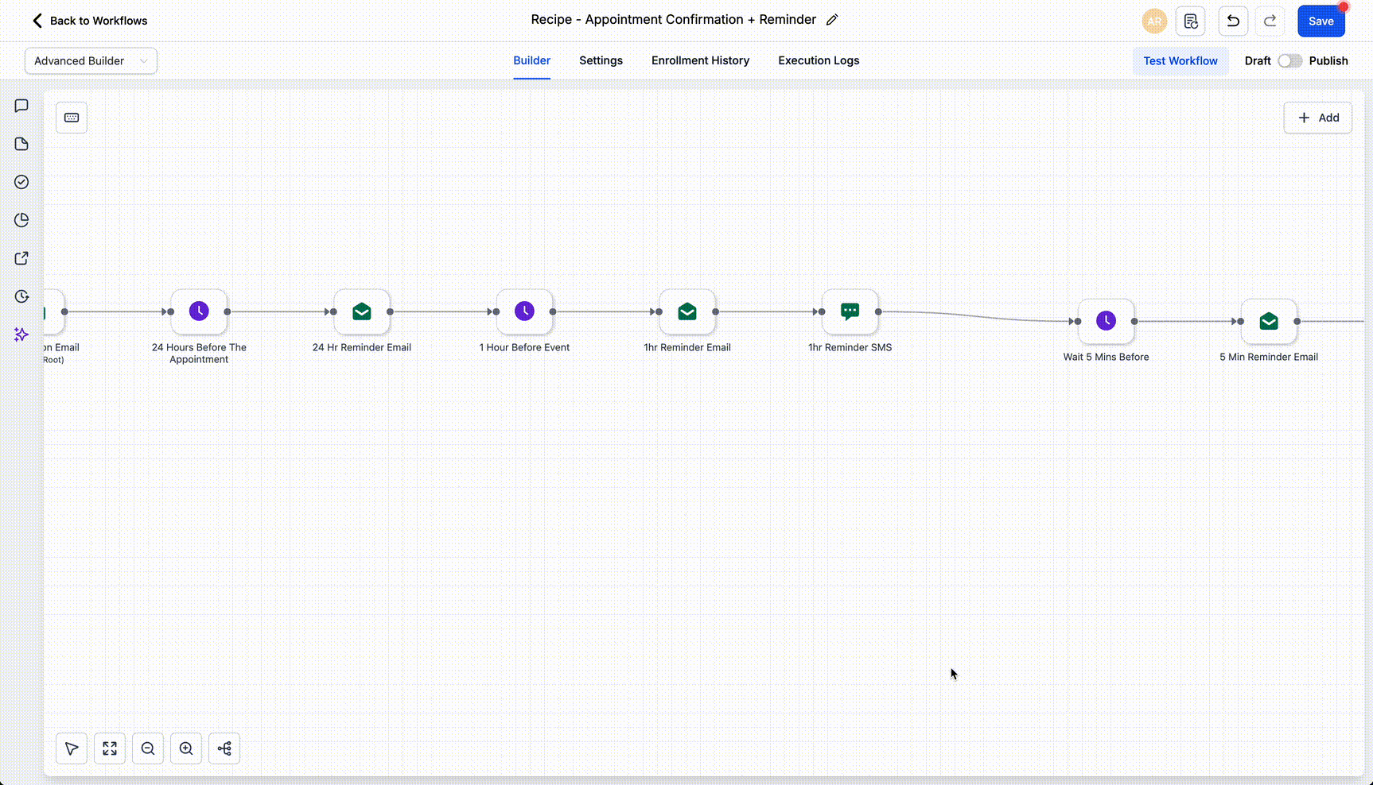
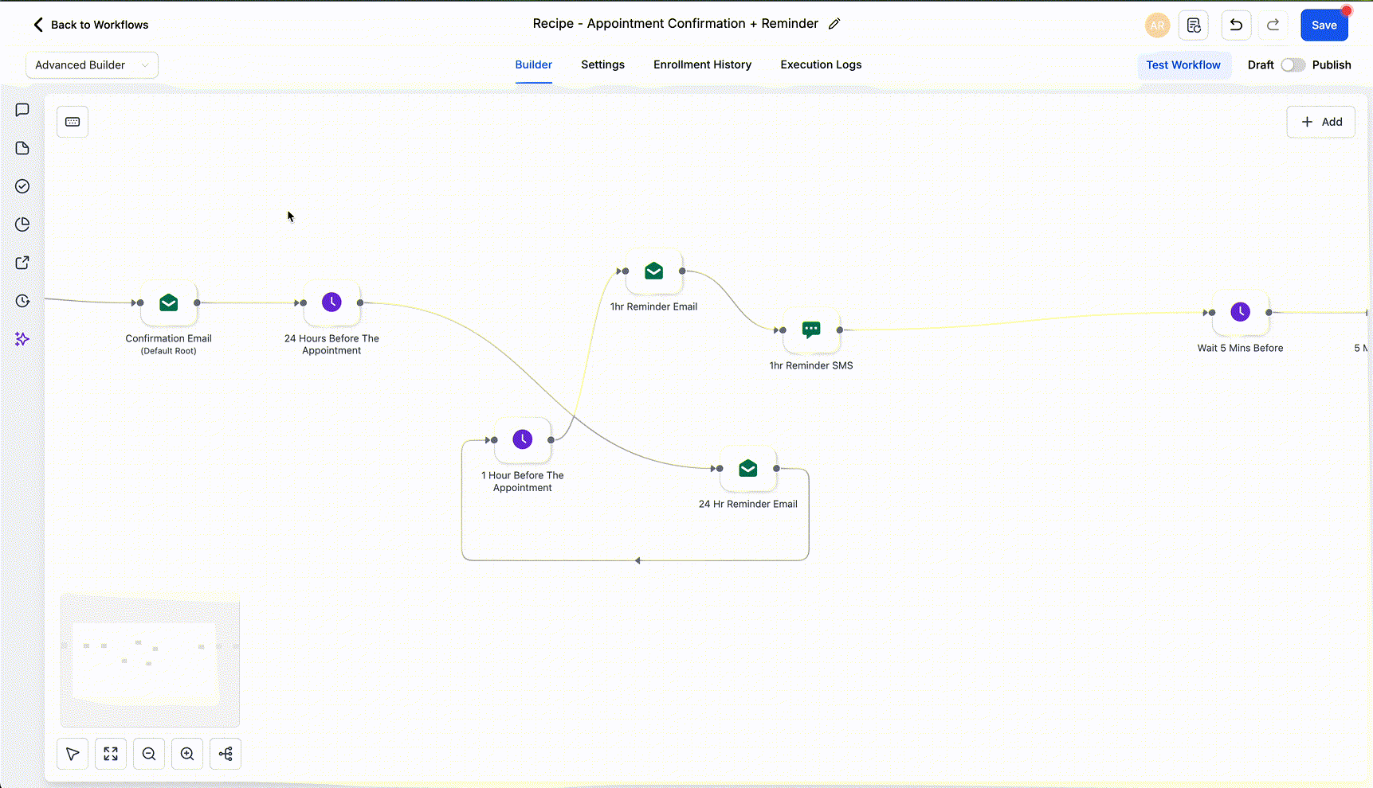
- Format only the selected area:Snap spacing, align connections, and clean up just the portion you selected for an organized canvas.
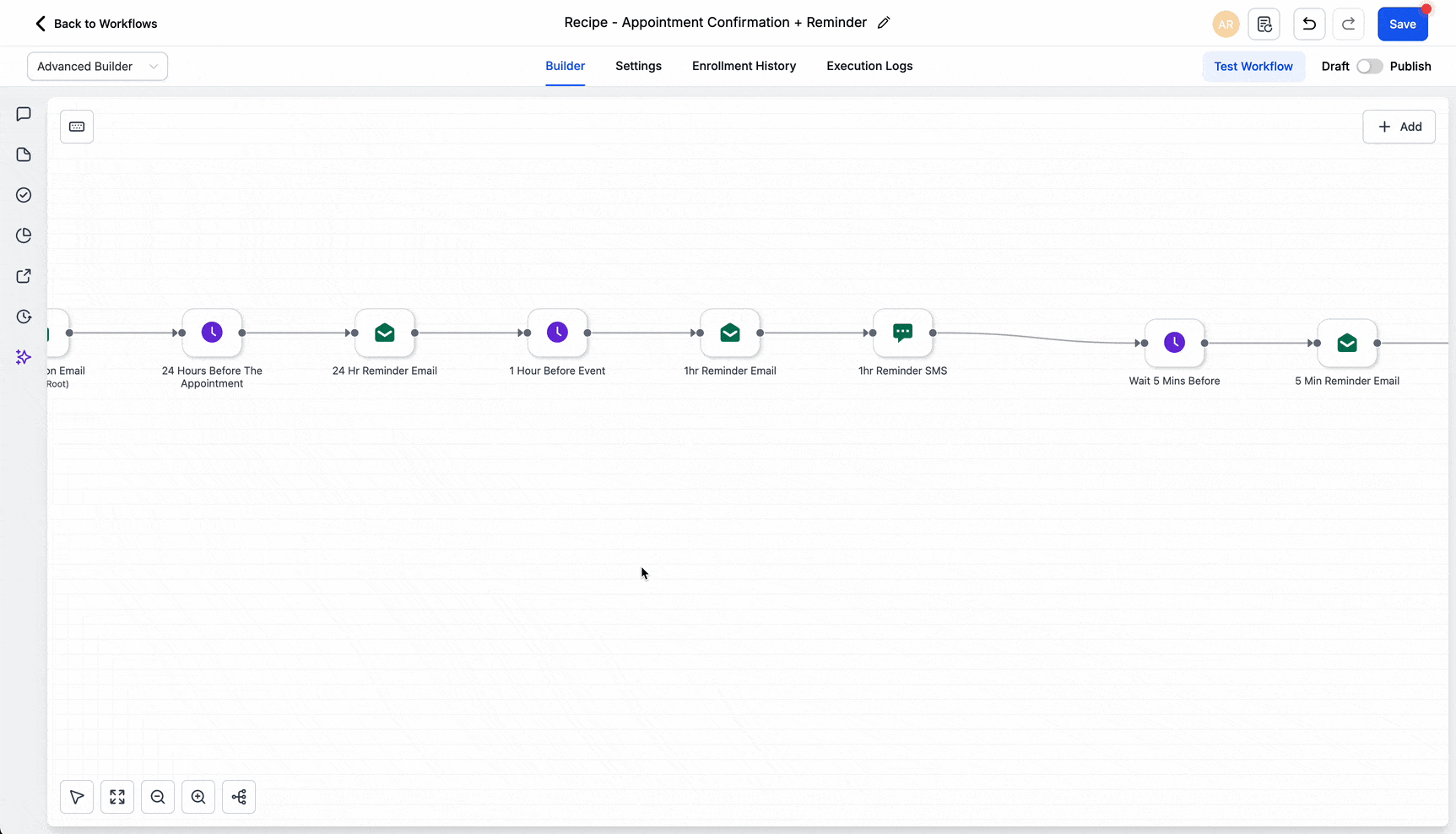
- Add a sticky note behind a selection:Super easy approach to adding sticky notes. Label your selections easily with right click options
Why It Matters
- Work faster on big canvases with fewer clicks.
- Save time by avoiding repeated edits on individual nodes.
- Keep branches organized and clearly labeled for teammates.
Additional Note
These enhancements are present only in the advanced builder for workflows
Was this article helpful?
That’s Great!
Thank you for your feedback
Sorry! We couldn't be helpful
Thank you for your feedback
Feedback sent
We appreciate your effort and will try to fix the article